

Get Your TCU ID
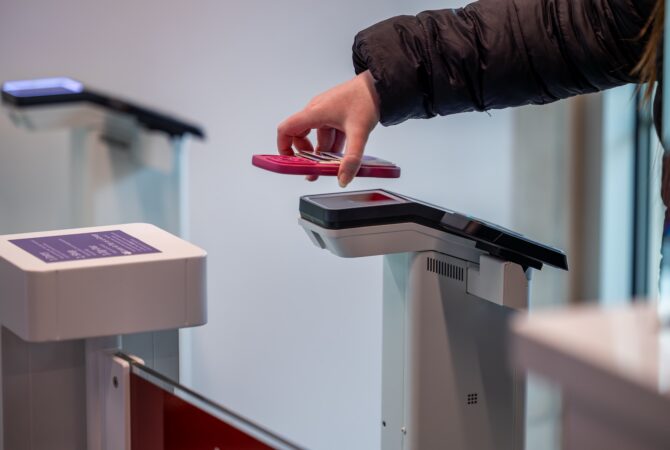
Start by adding your TCU ID to your compatible phone using Apple Wallet or Google Wallet. Once your mobile ID is set up, use the GET app to manage your account, add Frog Bucks, check balances, review transactions and report a lost or found ID.

Explore Dining Plans
Explore meal plan options and learn how to use Dining Dollars and Frog Bucks.

Check Your Balance
View your Dining Dollars, Frog Bucks and other account balances.

View Transaction History
View recent purchases and activity connected to your TCU ID.

Lost or Misplaced Your Phone?
Lost or misplaced your phone? Reporting it to Apple or Google promptly is vital.

Explore ID Card Privileges
See where and how you can use your TCU ID across campus.
FAQs
Find answers to common questions about TCU ID cards, meal plans, building access, Frog Bucks, and other ID Center services.

Door Access
Find information about building access and get help with access issues.